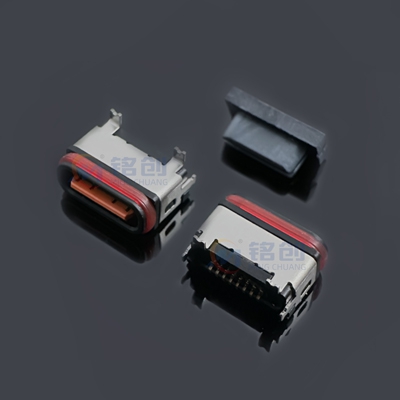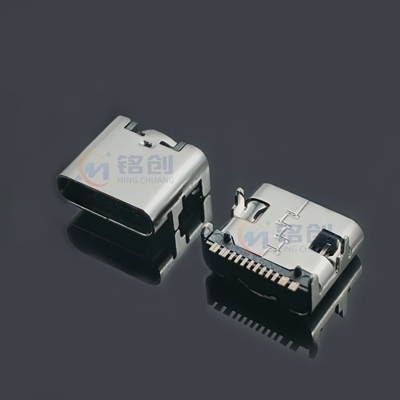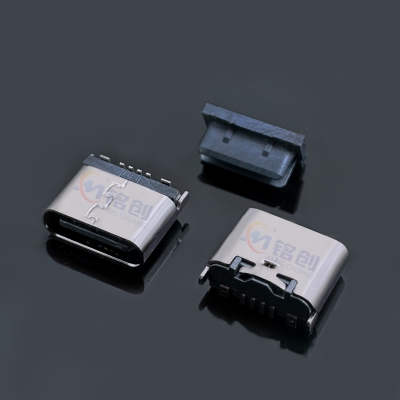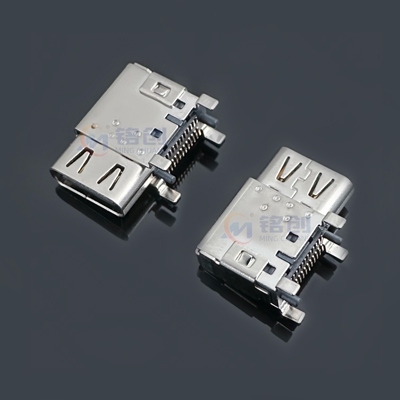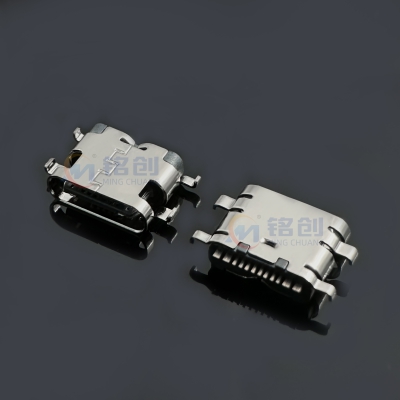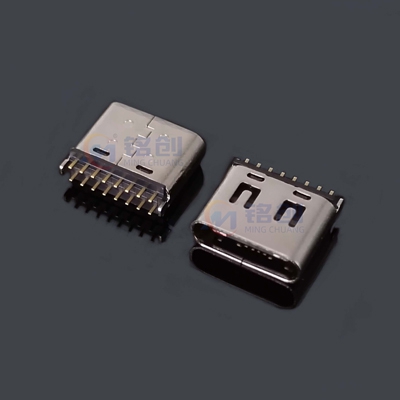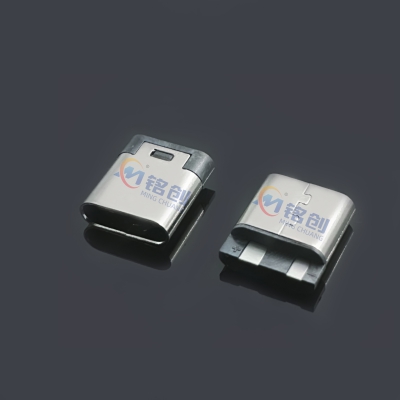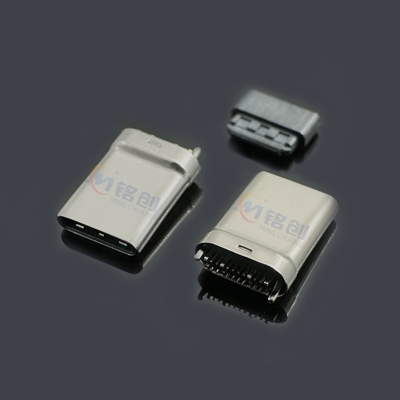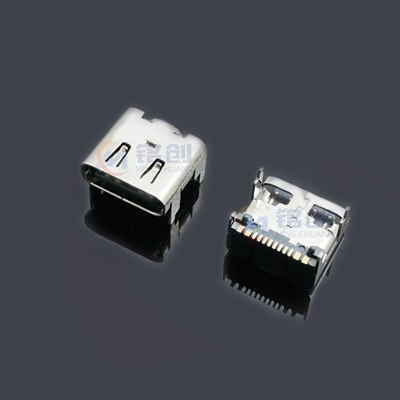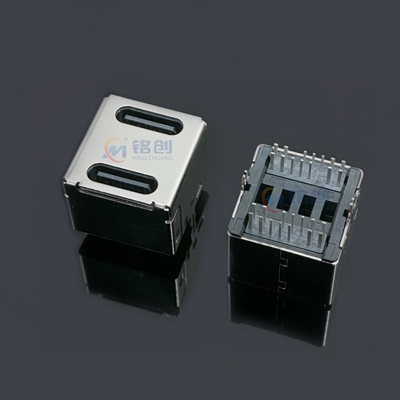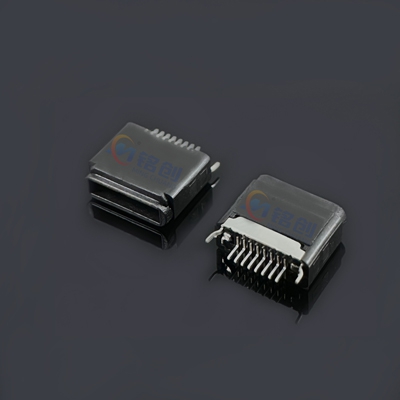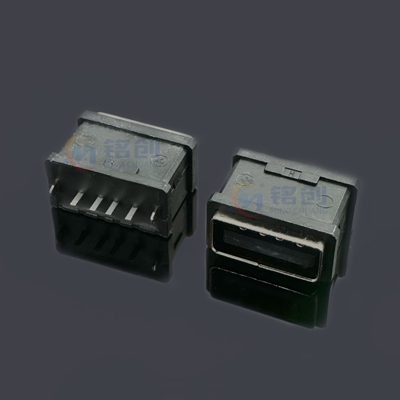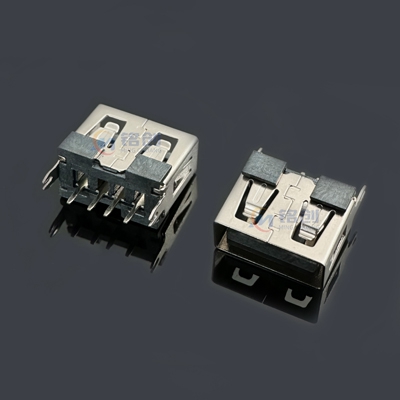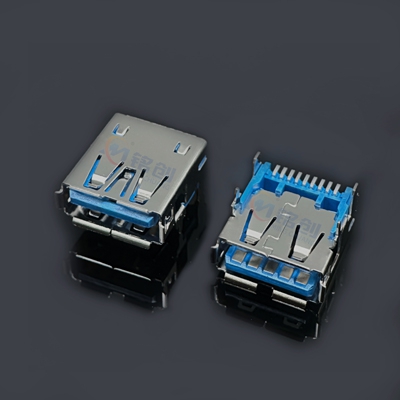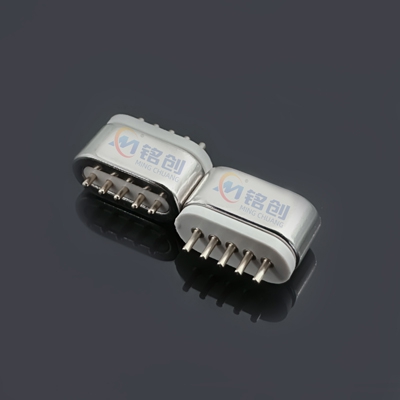
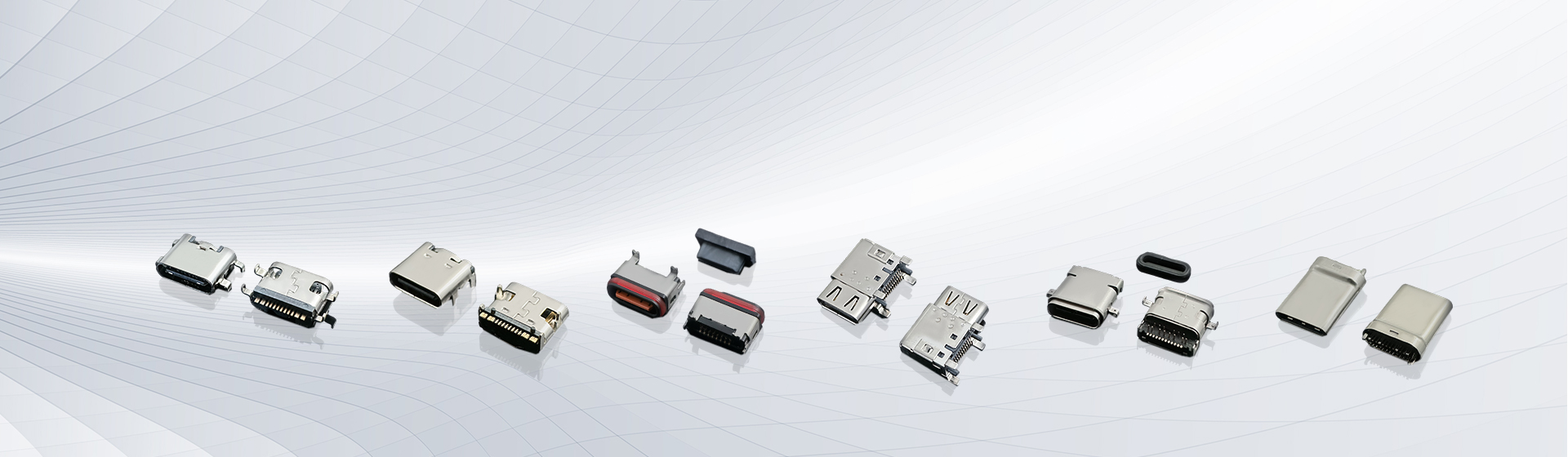
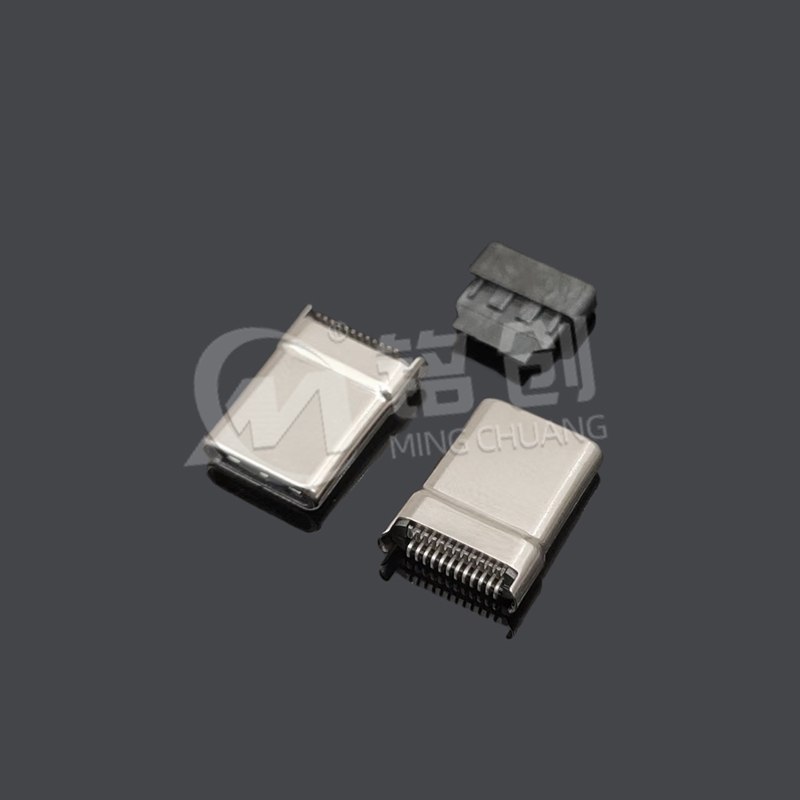
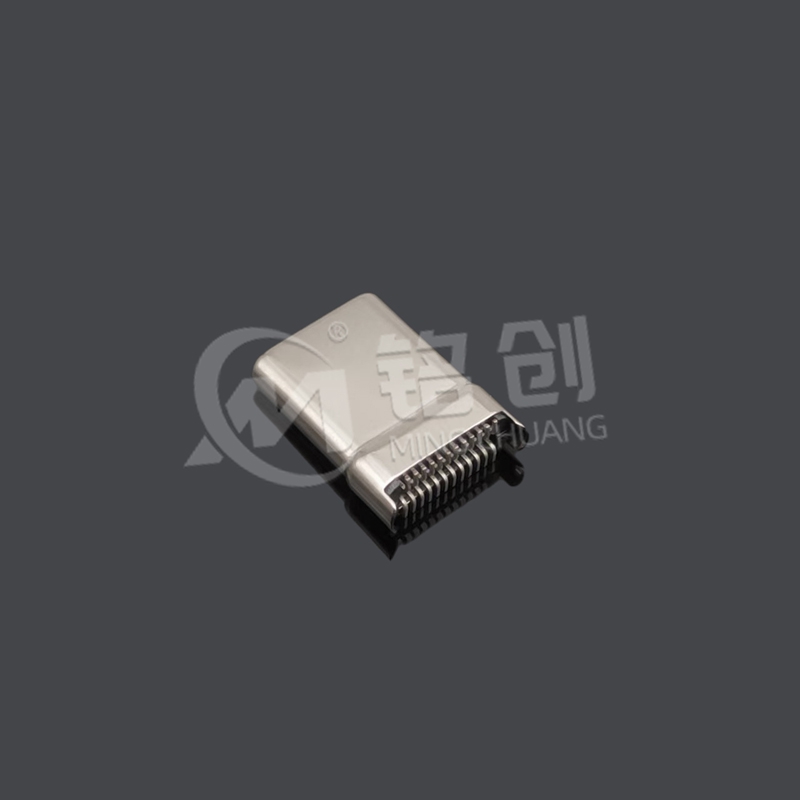
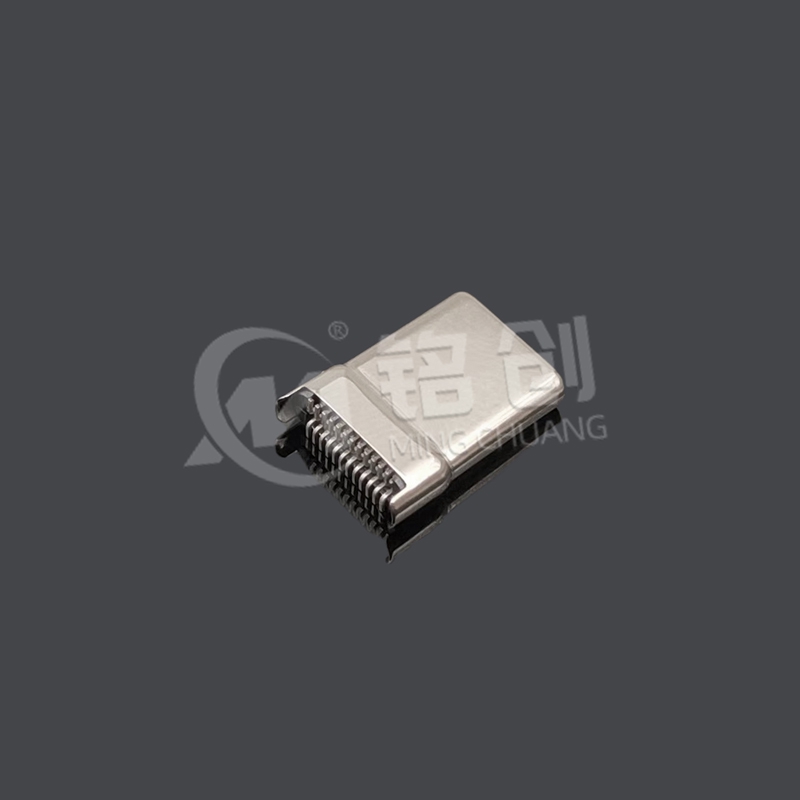
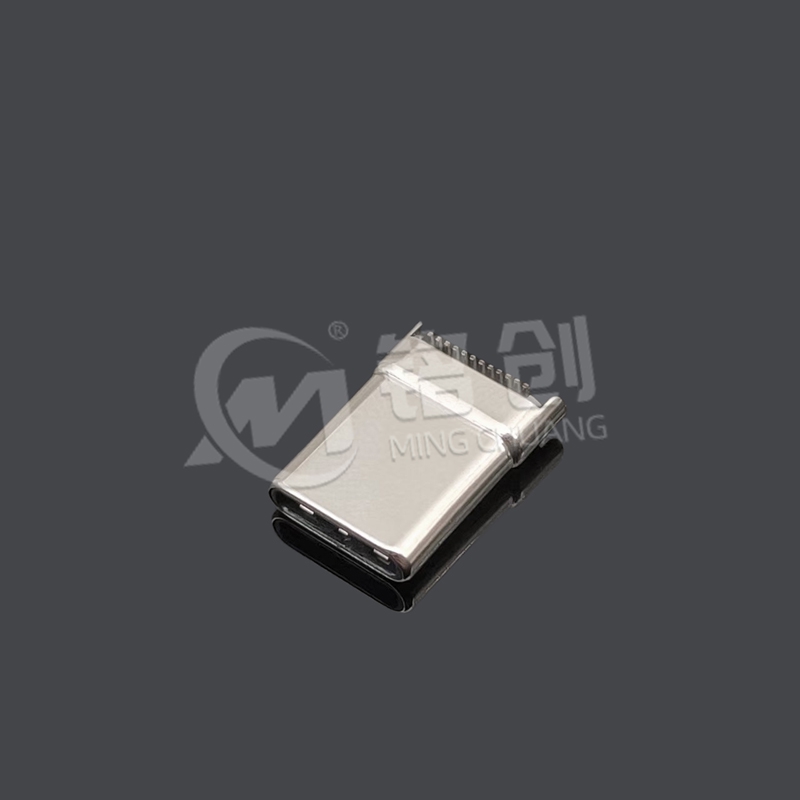
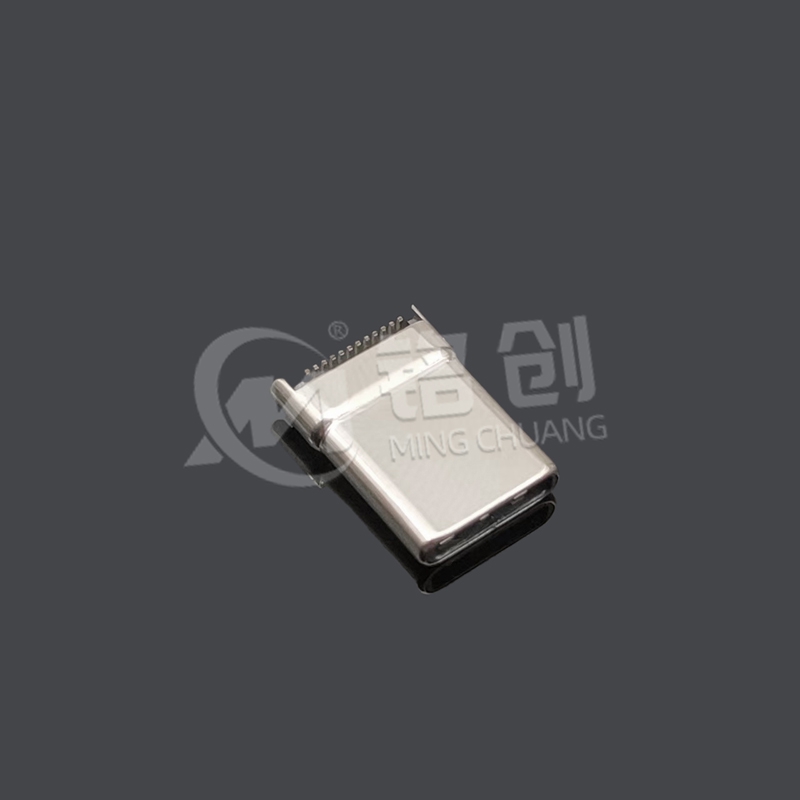


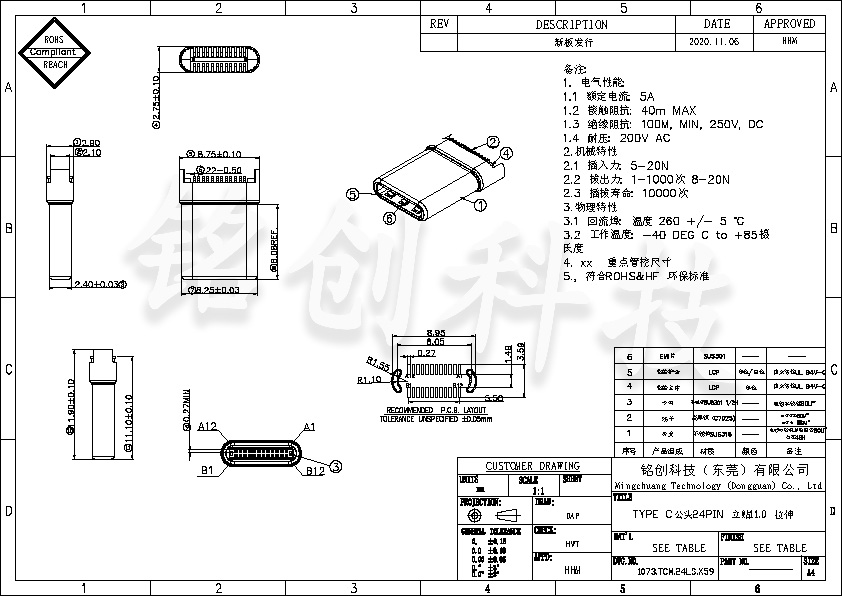
This 24PIN Type-C male connector is designed for application scenarios that have strict requirements for connectivity performance and spatial layout. Adopting a height specification of 11.0mm for vertical stickers, it effectively adapts to the internal spatial structure of various devices while ensuring stable connections, without affecting the overall design due to being too high or too low. The unique stretching design allows it to flexibly adjust the connection position when dealing with different usage scenarios, increasing the convenience and versatility of use. With 24 carefully arranged pins, it fully supports USB 3.1 high-speed data transfer protocol, with a transfer rate of up to 10Gbps, making it easy to handle high-speed data interaction scenarios such as 4K video transmission and fast copying of large data files. At the same time, it has excellent high current carrying capacity and can stably transmit [X] A current (the specific current value depends on the actual design), providing strong and stable power support for equipment, suitable for applications such as fast charging and high-power equipment power supply. Widely used in various fields such as consumer electronics, automotive electronics, and industrial control, it builds efficient and reliable data and power transmission channels for various devices.
Industry certification:
USB-IF certification: The product has passed the strict certification of the USB-IF organization and fully complies with the USB3.1 standard, which means that the product has reached industry recognized high standards in terms of data transmission compatibility, stability, and electrical performance. Whether connected to various USB 3.1 devices or backward compatible with USB 2.0 devices, it ensures smooth and stable data transmission, providing users with a reliable user experience.
Environmental certification: The product strictly complies with the requirements of the EU RoHS 2011/65/EU directive and does not contain harmful substances such as lead, mercury, cadmium, hexavalent chromium, polybrominated biphenyls and their ethers. From the selection of raw materials to the production and processing process, strict control is exercised to ensure that the product is green and environmentally friendly. At the same time, the product also meets the ELV 2000/53/EC environmental standards, conforms to the concept of sustainable development, and contributes to environmental protection.
Safety certification: Obtained UL 94 V-0 flame retardant rating certification. The materials used in the product have excellent flame retardant properties, which can effectively prevent the spread of fire, reduce fire risks, and ensure the safety of the use environment when encountering a fire source. In addition, the product has also passed CE and FCC electromagnetic compatibility certifications. During normal use, it will not cause electromagnetic interference to surrounding electronic devices, and it also has strong anti electromagnetic interference capabilities, ensuring stable operation in complex electromagnetic environments.
Industry standards:
In terms of industrial applications, it meets the ISO 13849-1 mechanical safety standard. In industrial production environments, equipment often needs to face complex mechanical operating conditions. This product fully considers mechanical safety factors in the design and production process, such as ensuring the reliability and stability of the connection under mechanical stress such as vibration and impact, and will not cause loose or damaged connections due to mechanical external forces, thereby ensuring the safety and stability of the industrial production process.
For automotive electronic applications, the product complies with relevant standards in the automotive industry. The internal environment of a car is complex, with harsh conditions such as high temperature, high humidity, and strong vibration. The product has undergone strict automotive industry standard testing, including vibration testing, impact testing, temperature cycling testing, etc., and can adapt to the harsh usage conditions inside the car, providing reliable connection solutions for automotive electronic devices.
Production control:
The entire production process is comprehensively managed using an advanced ERP (Enterprise Resource Planning) system. Starting from the procurement process of raw materials, detailed records and tracking of information such as raw material suppliers, purchase time, quality inspection reports, etc. for each batch; Real time monitoring and recording of operating parameters, operators, production time, etc. for each production process during the production and processing process; At the finished product inspection stage, retain information such as inspection results, inspection personnel, and inspection time for each finished product. Through this full traceability management, it is possible to quickly and accurately identify the root cause of product quality issues, in order to take timely measures for improvement and ensure the stability and reliability of product quality.
Each batch of products must undergo strict 100% electrical performance testing, including contact impedance testing, to ensure that the contact resistance between terminals is within the standard range and to ensure good conductivity; Insulation resistance test, to check whether the insulation performance of the product meets the requirements and prevent the risk of leakage; Voltage endurance test to verify the insulation reliability of the product at the specified voltage. In addition, durability tests that simulate actual usage environments, such as plug-in life tests, tensile life tests, etc., need to be conducted to ensure that the product can maintain good performance after a certain number of uses. Through these rigorous testing procedures, we ensure that the quality of every factory product meets high standards.
For more information, please contact us:
- Hotline: +86 13310802726
- Email: mc13310802726@163.com
Installation requirements:
During welding operations, it is essential to strictly control the temperature. For soldering using SMT technology, it is recommended to control the peak value of the reflow soldering temperature curve within 255 ° C and the duration should not exceed 60 seconds. Excessive temperature may cause irreversible damage to the metal structure and internal insulation of the terminal, affecting the electrical and insulation performance of the product.
When performing vertical mounting, it is necessary to ensure the vertical accuracy between the male head and the PCB board. A high-precision surface mount machine should be used to ensure accurate alignment between the male head and the corresponding solder pads on the PCB board, with a deviation strictly controlled within ± 0.05mm. At the same time, during the installation of the stretching structure, it is necessary to ensure that the stretching components are installed correctly without any jamming, misalignment, or other situations, so as not to affect the stretching function and overall connection stability.
Usage restrictions:
Although the product supports a 10Gbps high-speed transmission rate of USB3.1, in actual use, the data transmission rate may be affected by various factors such as external device performance and connection cable quality. For example, if a USB 2.0 device is connected, the data transfer rate will automatically drop to the USB 2.0 standard, which is a maximum of 480Mbps. In addition, if the USB cable used does not comply with the USB 3.1 standard and has issues such as high impedance, it can also lead to a decrease in transmission rate, and even unstable data transmission, packet loss, and other phenomena.
In terms of power supply, although the product can provide [X] A high current transmission capability, in practical applications, it needs to be used reasonably according to the power requirements of the connected devices. If the total power of multiple connected devices exceeds the power supply capacity of the product, it may cause the devices to malfunction and even damage the product. For example, if multiple high-power portable hard drives and other devices are connected simultaneously, there may be insufficient power supply. In this case, external power supply devices should be considered for auxiliary power supply.
Compatibility Description:
The 24PIN Type-C male connector has good compatibility and can be connected to USB 2.0, USB 3.0, and USB 3.1 devices. When connected to a USB 2.0 device, the product will automatically recognize and switch to USB 2.0 mode, and the data transfer rate will be adjusted accordingly to the standard rate of USB 2.0. In this case, only the pins corresponding to USB 2.0 are used for data transmission and power supply, while the high-speed transmission pins unique to USB 3.1 are in an inactive state.
To ensure optimal performance of the product, it is recommended to use it with a USB-IF certified USB cable. Non certified connection cables may have electrical performance issues, poor signal shielding, and other problems, leading to unstable data transmission, abnormal charging, and other issues. For example, some inferior USB cables may introduce electromagnetic interference during transmission, affecting the accuracy of data, or cause excessive voltage drop during charging, resulting in slow or even impossible charging of the device.
Maintenance suggestion:
Regular cleaning and maintenance of interfaces is an important step in ensuring the normal use of products. It is recommended to use compressed air or anti-static brushes to regularly clean the accumulated dust and debris inside the interface. The accumulation of dust and other foreign objects may increase the contact resistance between pins, affecting the quality of signal transmission. In severe cases, it may even cause short circuits and damage the equipment. When using compressed air, attention should be paid to controlling the air pressure to avoid damage to the internal structure of the interface caused by excessive air pressure; When using anti-static brushes, it is important to ensure that the brush material does not generate static electricity to prevent damage to electronic components caused by static electricity.
If the device is not used for a long time, it is recommended to use a dust plug to protect the interface. Dust plugs can effectively prevent dust and foreign objects from entering the interface, avoiding oxidation caused by prolonged exposure to air, and also preventing deformation of the interface due to accidental collisions. When selecting dust plugs, it is important to ensure that their size is compatible with the interface and that the material does not have any adverse effects such as corrosion on the interface. For the stretching structure, a suitable amount of specialized lubricant can be applied regularly to maintain smooth stretching, but attention should be paid to avoiding lubricant from contaminating electrical components such as pins.
For more information, please contact us:
- Hotline: +86 13310802726
- Email: mc13310802726@163.com


|
Mob:13310802726 / Tel:0769-85605360 |

|
Email:mc13310802726@163.com |

|
Address: No. 1, Chengxin Road, Changan Town, Dongguan City, Guangdong Province, China |

Copyright © 2024-2026 Mingchuang Technology (Dongguan) Co., Ltd. All rights reserved Web Design—Quanfang Network